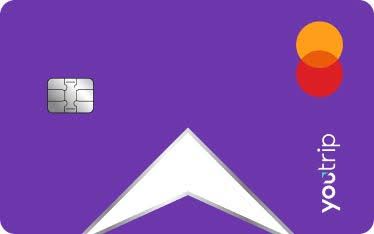
YouTrip is one of the newest travel cards available in Australia, and it's quickly become one of the most talked about. So what is YouTrip? At its core, YouTrip Australia offers a prepaid travel card that lets you spend wherever Mastercard is accepted, converting in 150+ currencies worldwide with zero FX fees and no additional markups.
But what really sets the YouTrip card apart is its exchange rate, which typically lands within 0.1% to 0.4% of the mid-market rate. These wholesale exchange rates mean YouTrip is highly competitive even against some of the best travel cards. It's also where YouTrip pulls ahead of big bank cards like the CommBank Travel Money Card.
YouTrip also lets you preload and lock in rates across 10 major currencies, including USD, EUR, GBP, JPY, and SGD. For anything outside those 10, you can still spend in 150+ currencies worldwide, with the same fee-free conversion applied automatically.
YouTrip: Key Facts
How Does YouTrip Work?
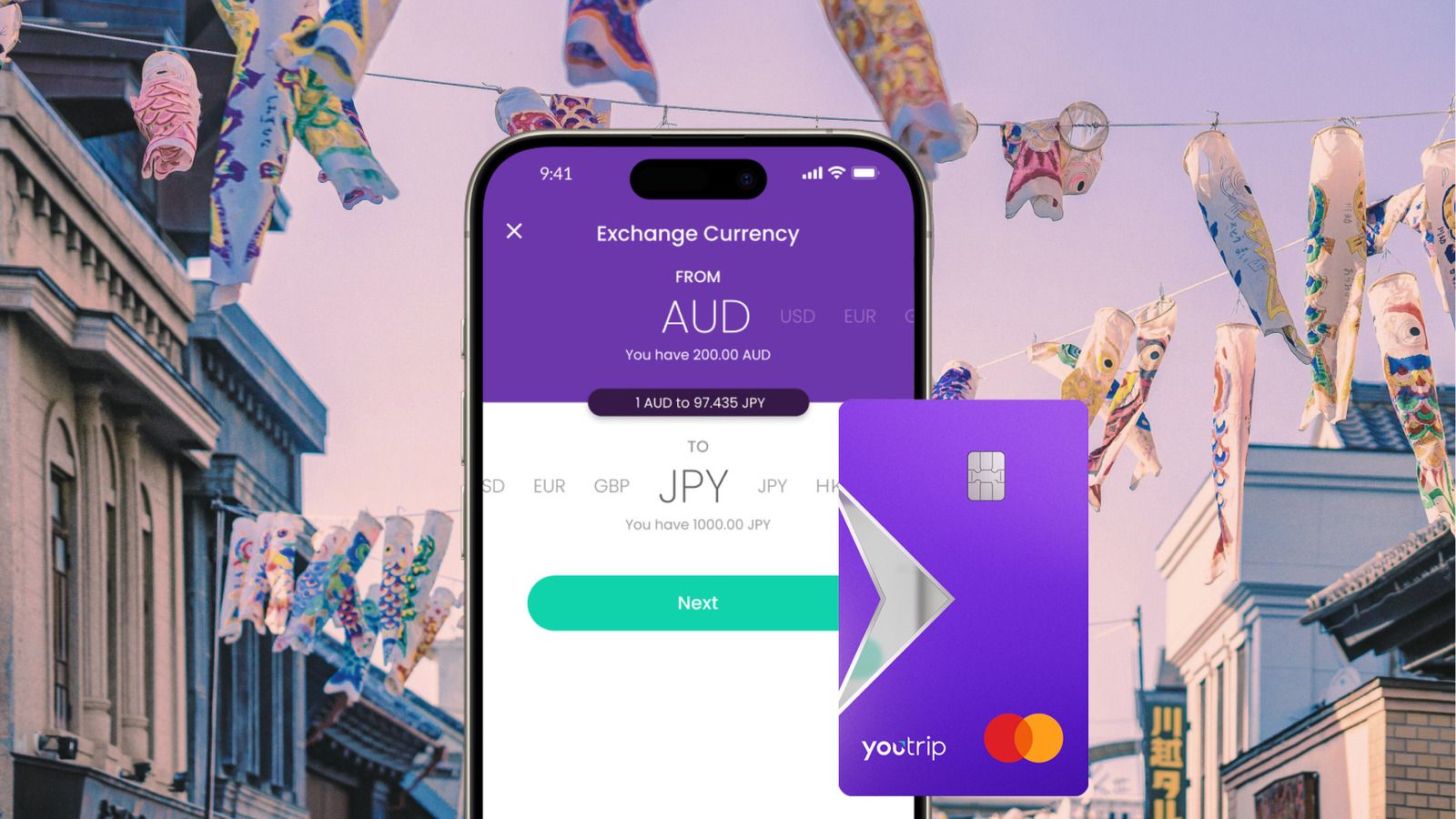
YouTrip Australia works like a digital wallet paired with a prepaid Mastercard. You top up your account balance via bank transfer or PayID, then either preload that balance into one of your 10 wallet currencies at the current rate, or leave it in AUD and let YouTrip convert automatically whenever you spend.
When you tap your YouTrip card overseas, the app checks whether you're spending in one of your preloaded wallet currencies. If you are, the transaction draws straight from that balance at the rate you locked in. If you're spending in a currency you haven't preloaded, YouTrip converts on the spot using Mastercard's live exchange rate, with the same 0% FX fee either way.
You can track your balances, exchange rates, and spending in real time through the YouTrip app, so there's no guessing how much you've got left in each currency before you travel.
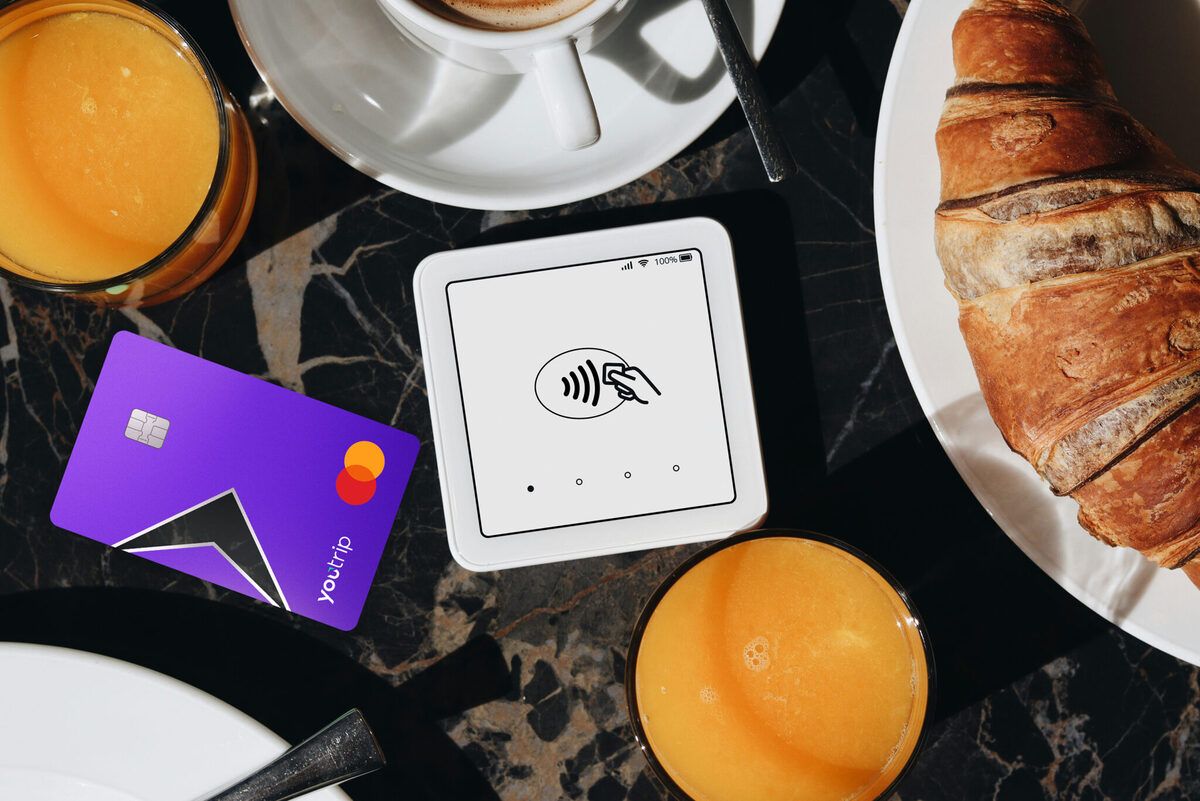
YouTrip Supported Wallet Currencies
YouTrip supports spending in 150+ currencies worldwide. You can preload and lock in exchange rates ahead of time across 10 major currencies, including:
- Australian Dollar (AUD)
- US Dollar (USD)
- Euro (EUR)
- British Pound (GBP)
- Singapore Dollar (SGD)
- Hong Kong Dollar (HKD)
- Japanese Yen (JPY)
- Swiss Franc (CHF)
- Canadian Dollar (CAD)
- New Zealand Dollar (NZD)
When spending in a currency outside of the above wallet currencies, YouTrip automatically converts using Mastercard's live exchange rate. Of course, there are still 0% FX fees and no added markup.
How To Sign Up For YouTrip
Getting started with YouTrip Australia takes minutes. Download the app, top up in Australian Dollars, then either spend directly in AUD or pre-exchange into a wallet currency ahead of time. Here's the full walkthrough:
- Install the YouTrip app and follow the prompts to join (use code HACKS10 on the last step to get $10 bonus!)
- YouTrip generally approves applications within 15 minutes.
- From the “Cards” page you can add your virtual card to Apple/Google Pay while waiting for your physical YouTrip card to be delivered.
- Load funds onto your YouTrip card by tapping the “Top up” option from the “Home” page.
- You can exchange currencies in-app by tapping “Exchange” from the “Home” screen, or just spend directly in AUD and let YouTrip convert automatically.
How To Use YouTrip Overseas
Using YouTrip while travelling is straightforward, but a few habits will help you avoid unnecessary fees and get the most out of your rate.
- Top up your YouTrip card: Preloading a wallet currency locks in your rate before you fly, and can be useful if you want certainty. Leaving your balance in AUD and letting YouTrip auto-convert means you're exposed to rate movements, which can work in your favour or against you.
- Tap to pay like a normal card: YouTrip works with contactless payments in-store, plus Apple Pay and Google Pay, wherever Mastercard is accepted.
- Always choose to pay in local currency: If a merchant or ATM asks whether you want to pay in AUD or the local currency, always choose local currency. Paying in AUD triggers Dynamic Currency Conversion (DCC), where the merchant applies their own exchange rate, usually far worse than YouTrip's.
- Check your balance and rate in the app: The YouTrip app shows your live balance in each currency, so you always know what you've got left.
- Withdraw cash at ATMs when needed: YouTrip works at ATMs overseas, with fee-free withdrawals up to $1,500 per month.
Withdrawing YouTrip Funds After A Trip
One downside to YouTrip is that it's currently a one-way street. You can top up your balance, but you can't transfer leftover funds back to your bank account.
If you arrive back home with money left over (congratulations!), you can keep it for your next trip, spend it like a normal card in Australia, or withdraw it as cash at an ATM. For the latter, keep in mind the fee-free ATM withdrawal cap of $400 per month in Australia, with a 2% fee after that. Your funds aren't trapped, but it's a small annoyance if you'd rather put your everyday spending on a credit card, since you can't send the leftovers to a bank account.
Summing Up: Is YouTrip Worth It?
YouTrip is one of the strongest travel cards available to Australians right now. Access to Mastercard's wholesale exchange rate, 0% FX fees, and no annual fee make YouTrip a solid option for spending overseas.
Of course, YouTrip does have some downfalls. You can't send money to anyone outside YouTrip, and fee-free ATM withdrawals are capped monthly. But for straightforward overseas spending, YouTrip is hard to beat.
YouTrip FAQs
YouTrip is a prepaid travel card that lets Australians spend in 150+ currencies worldwide, wherever Mastercard is accepted. It uses real-time wholesale exchange rates, with 0% FX fees and no additional markups.
YouTrip works like a digital wallet paired with a prepaid Mastercard. You top up your balance, then either preload into one of 10 wallet currencies to lock in your rate, or spend directly and let YouTrip convert automatically at Mastercard's live rate.
YouTrip has no annual fee, no international transaction fee, and no currency conversion fee. Fee-free ATM withdrawals are capped at $1,500 AUD per month overseas, with a 2% fee applying beyond that.
Tap to pay like a normal card wherever Mastercard is accepted, always choose to pay in local currency rather than AUD.
Yes, YouTrip works anywhere Mastercard is accepted in Bali, including hotels, restaurants, and most retailers. Indonesian Rupiah isn't one of YouTrip's 10 wallet currencies, so purchases convert automatically at Mastercard's live rate.
Yes. Singapore Dollar is one of YouTrip's 10 wallet currencies, so you can preload and lock in your rate ahead of time instead of relying on live conversion.
Yes. Japanese Yen is one of YouTrip's 10 wallet currencies, so you can preload and lock in your rate ahead of time before you fly, rather than relying on live conversion at the point of sale.
Yes, YouTrip works throughout Europe wherever Mastercard is accepted. Both Euro (EUR) and British Pound (GBP) are YouTrip wallet currencies, so travellers heading to Europe or the UK have the option to preload and lock in their rate ahead of time.
Disclaimer
As a YouTrip partner, we receive a tiny commission when you apply via our link. To say thanks, readers earn a $10 bonus when joining YouTrip with promo code HACKS10.
Thanks for helping us keep Flight Hacks online :)